
Run a game server on a machine you control
A complete server OS for a Raspberry Pi, an old PC or a VPS you rent. Game Hub installs a server onto it in one click. Not a hosting service.
First month free, then £7 a month for your device's address, certificate and relay. Cancel anytime.
A game server on a machine you control
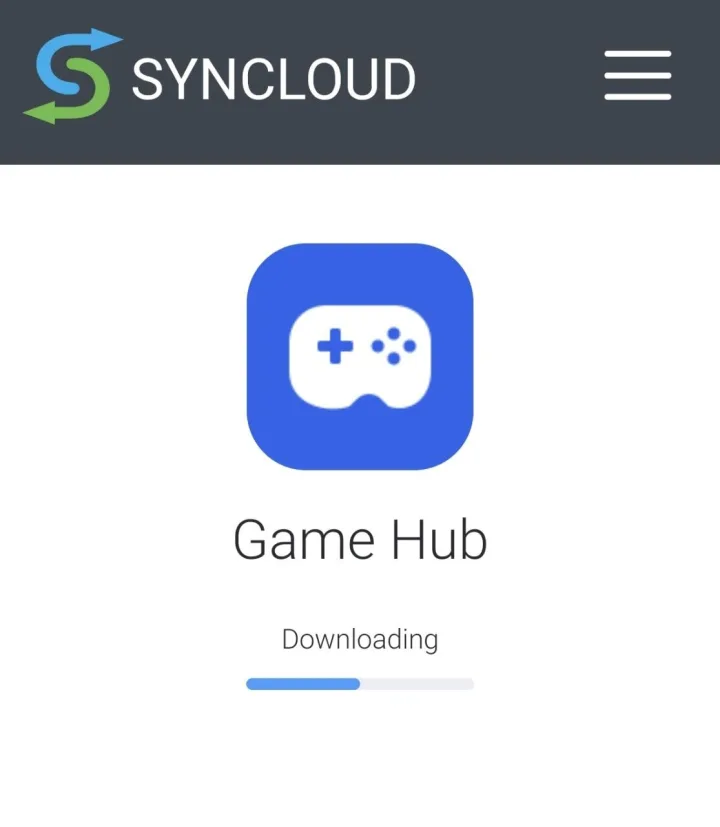
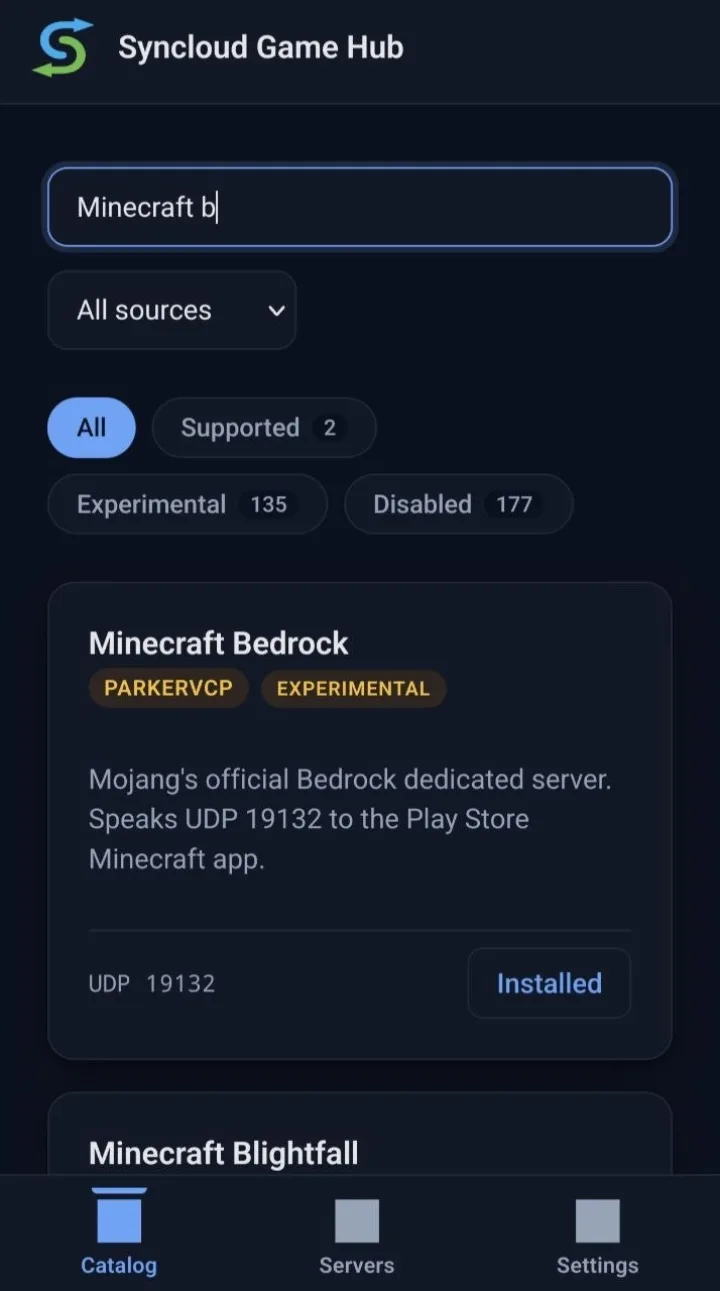
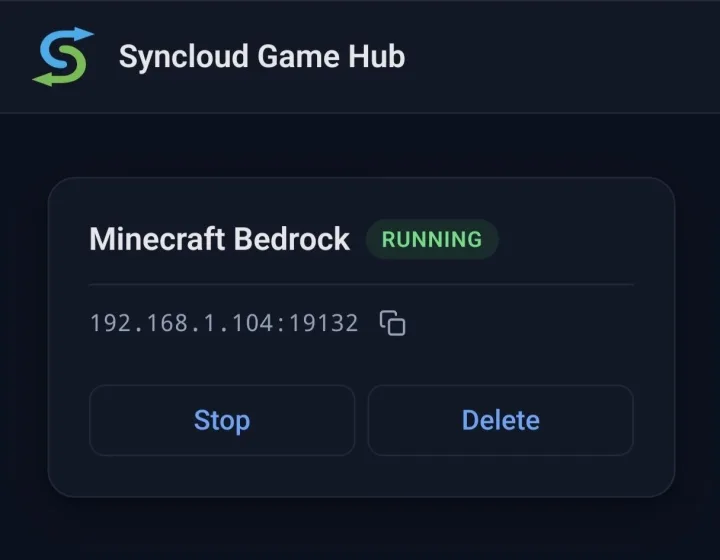
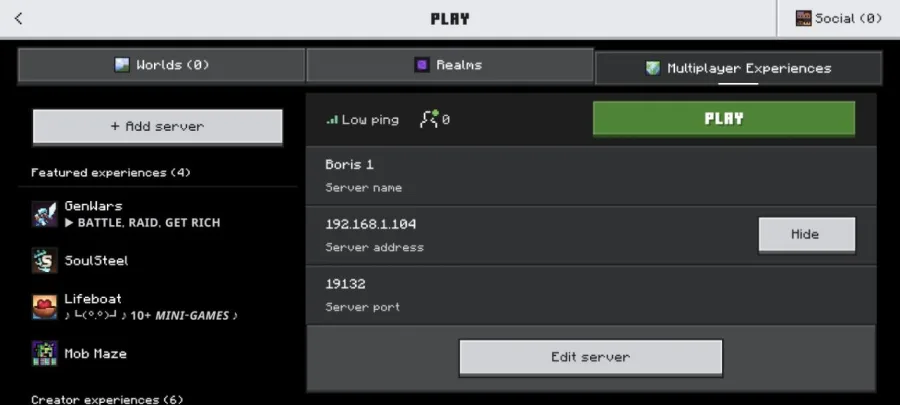
Game Hub installs a dedicated server onto your own machine and you start and stop it yourself. If a game is missing, ask and it is usually added within a day.
- The app
- Game Hub, installed and updated for you
- You need
- A Raspberry Pi, a spare PC, or a VPS you rent
- Your address
- yourname.syncloud.it, and it follows your IP
- HTTPS
- A certificate, issued and renewed for you
- Remote access
- No ports to open, works behind CGNAT
- Licence
- Open source, GPL-3.0
- Not
- A free tier, and not a cloud account
Open source. Your data stays on your own server. Minecraft and Minecraft Bedrock are trademarks of Mojang Studios; Syncloud is not affiliated with, endorsed by or sponsored by Mojang Studios or Microsoft.