
Cloud storage is convenient until the provider changes the price, changes the terms, or goes away and takes your files with it. The alternative is not complicated: a small computer of your own that holds your files, photos and passwords, and that you can reach from anywhere.
An ODROID is a good computer for that. Syncloud is the software that turns it into one without a weekend of system administration.
What you get
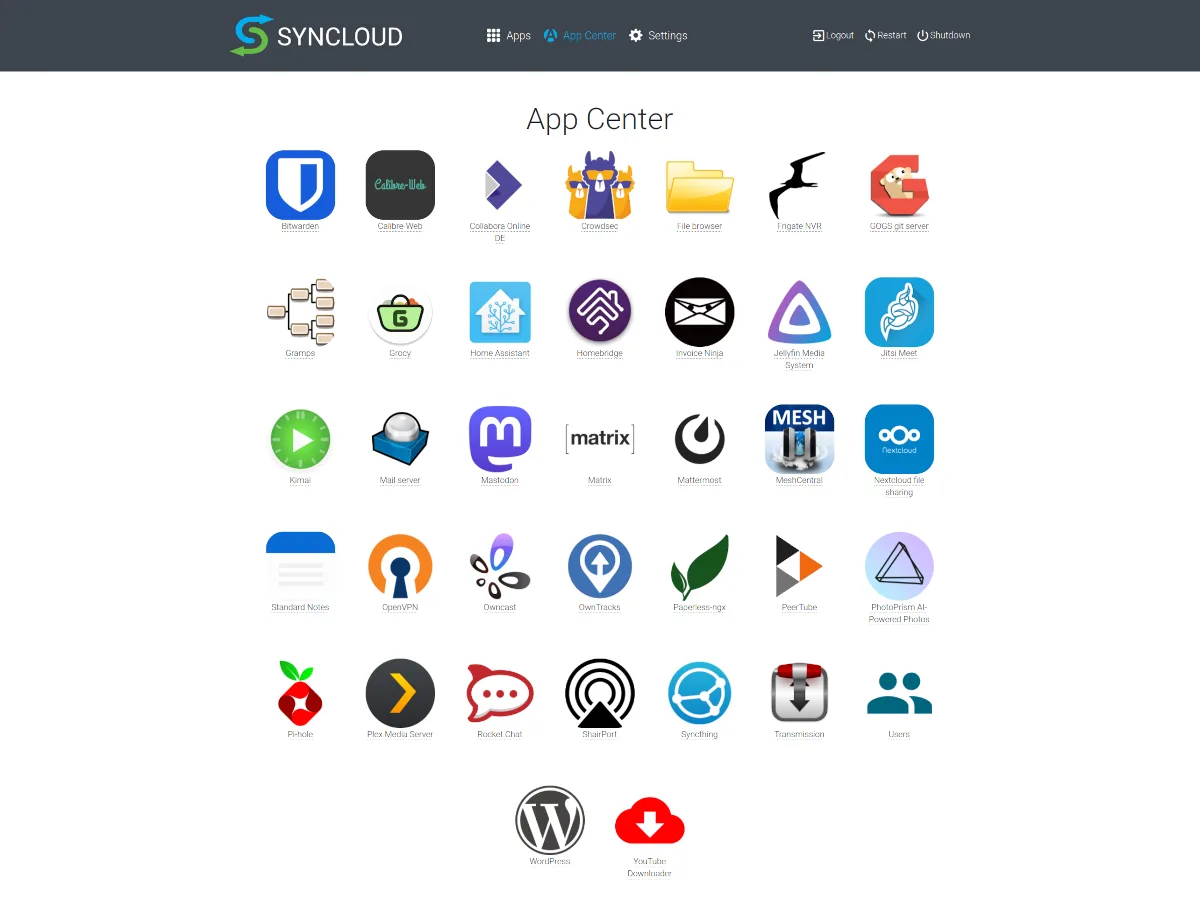
Syncloud is to a server of your own roughly what Android is to a phone: the system plus an app store. You install apps in one click and Syncloud keeps them updated:
- Nextcloud for files, calendar and contacts
- Bitwarden for passwords
- Jellyfin for films and music
- Immich or Photoprism for photos
- Home Assistant for the house
- and over 40 more
Every app gets its own HTTPS address, they all share one login, and backups are built in. Your data stays on the device.
Which ODROID
Two boards cover most people.
ODROID-H5, if you want real capacity. It is an ordinary Intel machine with an N300 processor and four M.2 slots, which take NVMe drives or adapters for SATA disks. Build it out in a case with two or more drives and it is a server you will not outgrow quickly. It is the dearer of the two once memory and storage are added.
ODROID-M1S, if you want to start small. It is an ARM board with storage built in and an M.2 slot for an NVMe drive. It costs much less, uses very little power, and is plenty for files, passwords and photos for a household, as long as you keep a backup somewhere else.
In the United States both are sold by ameriDroid: ODROID-H5 and ODROID-M1S. For other countries see where to buy the hardware .
Install it
- Open Setup , choose "Build it yourself" and pick your board: PC for the ODROID-H5, ODROID-M1S for the M1S.
- Download the image and write it to the drive the board will start from.
- Connect the board to your router with an ethernet cable and power it on.
- Open the device address in a browser, choose a name and a password, and install your first app.
The page walks through each step, and the whole thing takes about a quarter of an hour.
What it costs
The software is free and open source, and the device keeps running with its apps and your data whatever happens. A subscription, £7 a month after a free first month, pays for the services around it: the address of your device, its certificate, a relay for networks that block direct access, and support. The FAQ says exactly what happens without it.
Reality check
The ODROID-H5 uses the same PC image as every other Intel or AMD machine, which is what more than half of Syncloud devices run on today.
The ODROID-M1S image is new. It is built on Armbian's mainline kernel, and we are still collecting reports from first installs. If you try it, tell us how it went on the forum.